I Built an App on My Honeymoon. Here’s What the AI Did, and What It Couldn’t.
Somewhere in the middle of our honeymoon on Holland America’s Rotterdam, I built a working web app. Not a mockup or a prototype I’ll “finish later”: a real, free tool that’s live right now.
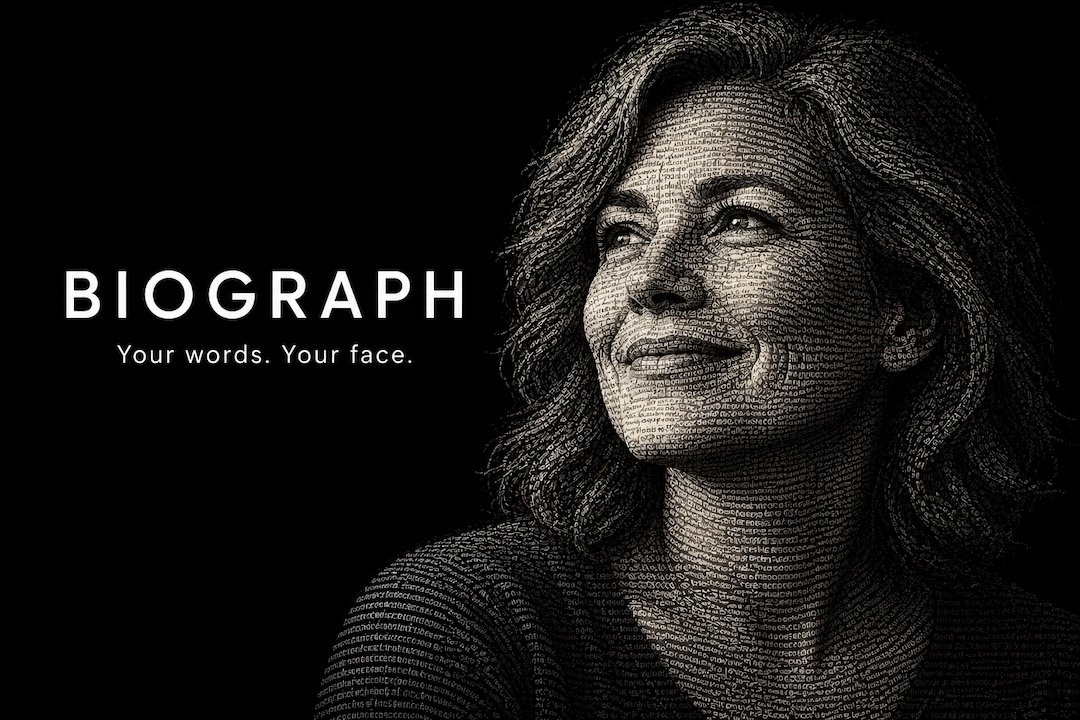
It’s called Biograph. You give it a photo and some words, and it creates a portrait made entirely of that text. From across the room it’s a face; up close, it’s a story.
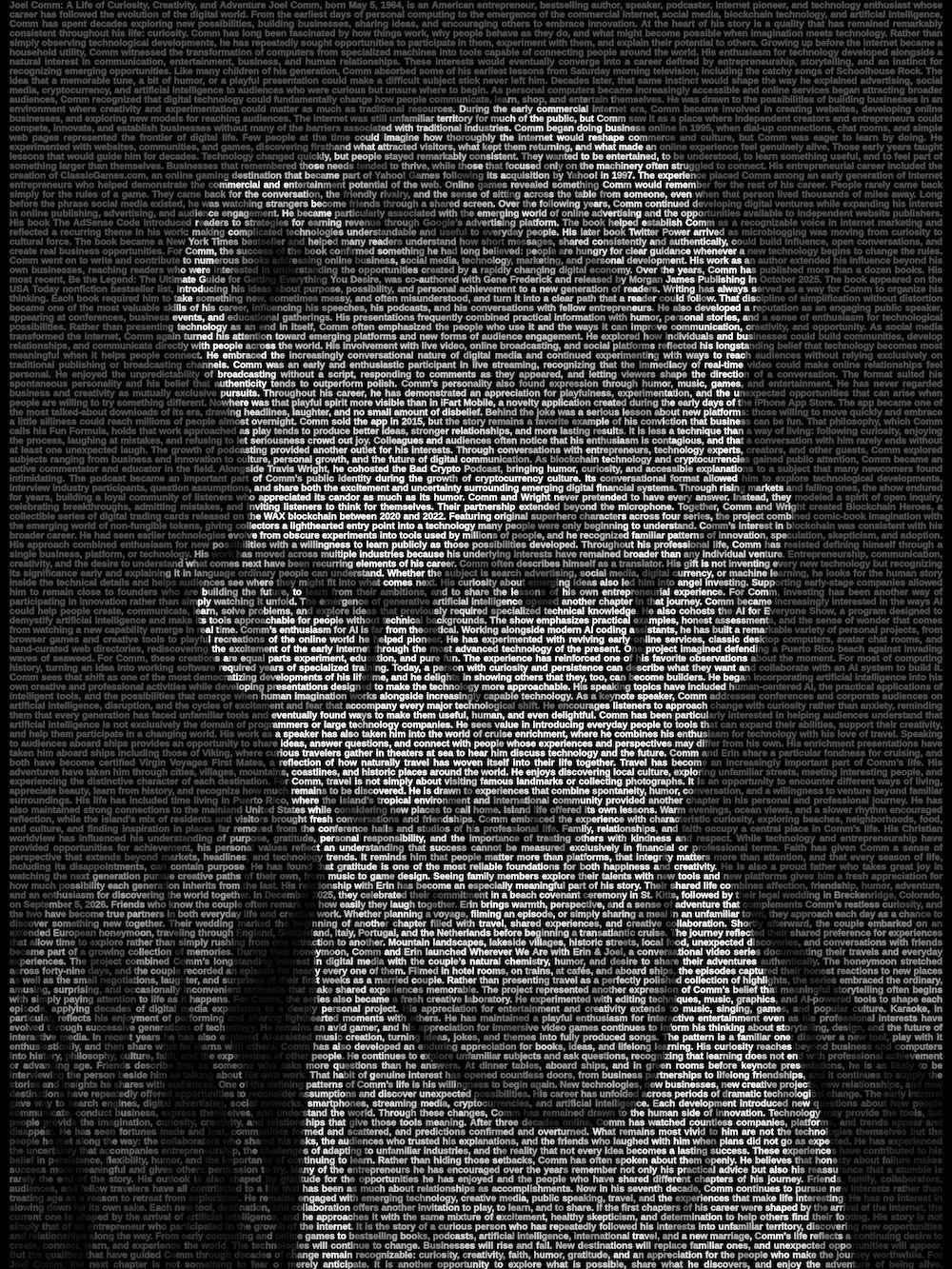
Here’s an image I created of myself. Note that the words are all my biography.
People keep asking me the same question: How much of that did the AI actually do?
Honest answer: most of the typing, almost none of the deciding. Here’s what that looked like.
Lesson 1: Write the brief like you’re hiring someone
I didn’t open a chat and type “make me a word portrait app.” I wrote a brief, the kind you’d hand a contractor:
- What it is and who it’s for. A free tool at the top of a funnel, with a paid print version later.
- Exactly how it should look. I’d studied the poster that inspired it and turned it into numbers: 134 lines of text, how tight the letters sit, how bright the background words should be, how dark the shadows go.
- What it must never do. Never change a single word of what the user writes. Never upload their photo anywhere. Never use anything without a commercial-use license.
- How we’d know it was done. Seven tests it had to pass, from “every pixel belongs to a letter” to “it works one-handed on a phone.”
The brief was the most valuable thing I wrote all week. AI is extremely good at building to a clear spec, and it’s mediocre at guessing what you meant.
Lesson 2: The first version is a draft. Iterate like an editor.
The first working version did what the brief asked, and it was nowhere near finished. The real work was the rounds that came after: use it, notice what bugs me, say so in plain words, look again.
None of my feedback was technical. It was things like:
- “Make the main page more interesting.” That became a logo (a head and shoulders made of tiny lines of words), a two-line description of what it does, and sample portraits across the top.
- “The samples look dim at that size.” Re-rendered with a bit more punch.
- “Link back to my main site so people know there are more tools.” A box at the bottom of the page.
- “Should we use a different font?” We talked through the trade-offs, and I decided to keep the one we had.
Each round took minutes. Each one made it noticeably better. You don’t need to know how to fix something to make it better. You need to be able to say what’s wrong, and keep going a few more rounds than feels necessary.
Lesson 3: Measure, don’t trust
Some of the most important problems only showed up because we tested things instead of assuming:
- The portrait looked like a dark blob on phones. The image was fine; the way phones shrank it for the screen was mangling it. A test at actual phone size caught it.
- A hidden data leak. The free face-detection software we used, made by a very large tech company, was quietly reporting usage statistics back to its maker every minute. It sent no photos, but I’d promised nothing leaves your device. An automated test that watched every network connection caught it, and now it’s blocked.
- Speed. Dragging to reframe a photo froze the screen for over a second on a typical phone. After fixes it takes about four-tenths of a second. The first page load dropped from almost 28 MB to 14 MB because a file was being downloaded twice.
None of that came from reading the code. All of it came from running it.
Lesson 4: The human still owns taste, judgment and the last click
Here’s my list of what the AI didn’t do:
- It didn’t pick the name. It started as “Storyface.” I asked for options and chose Biograph: biography plus photograph.
- It didn’t decide what “good” looks like. When the critics said the highlights weren’t bright enough, I had to decide whether to change the typeface or keep the look I’d approved. (I kept it.)
- It didn’t push the final button. When I said “you do it” and asked it to publish the code, its permission settings stopped it from merging without a human review. I clicked merge myself, which is exactly how I’d want it.
- It couldn’t see my live website. When the sample images showed up broken on my site, I had to report it. The AI figured out the cause (a missing slash at the end of the address) and fixed it, but it needed my eyes.
AI changes who can build. It doesn’t change who’s responsible.
Lesson 5: Ship it, then fix it in public
The launch wasn’t smooth. My first attempt at hosting showed a “Page not found” screen because I’d skipped two settings. The images broke once. The first version of the homepage was plain, so we added a logo, a short description and sample portraits after it went live.
That’s fine. A working thing people can use beats a perfect thing in your head. Every fix took minutes, not weeks.
What it costs to run
People also ask about cost. Biograph uses zero AI tokens when you use it. The AI helped me build it, but the finished app runs entirely in your browser, on your own device. There’s no server crunching your photo and no per-use fee. It’s just files on a website I was already paying for.
Try it
Upload a photo, paste in a letter, a life story, a eulogy or your wedding vows, and download a portrait you can frame. It’s free, there’s no account, and your photo never leaves your device.
If you’ve been sitting on an idea, write the brief this week. You might be surprised how far it gets.
Biograph is one of a growing collection of free tools I’ve built with AI. See them all at artificialintelligence.studio.